Up to 10 files at once
Drop a stack of documents. Each one gets the same look, then download them all as a ZIP.
Upload a PDF, adjust realistic scanner effects, and preview it privately in your browser. Export 1 PDF free per day, no signup. Extra exports from $1.99. No subscription. No file uploads.
Create realistic scanned PDFs for forms, contracts, signatures, and paperwork — without uploading private files.
Add noise, blur, contrast, paper color, and micro-rotation so a clean digital PDF looks like it came from a real scanner.
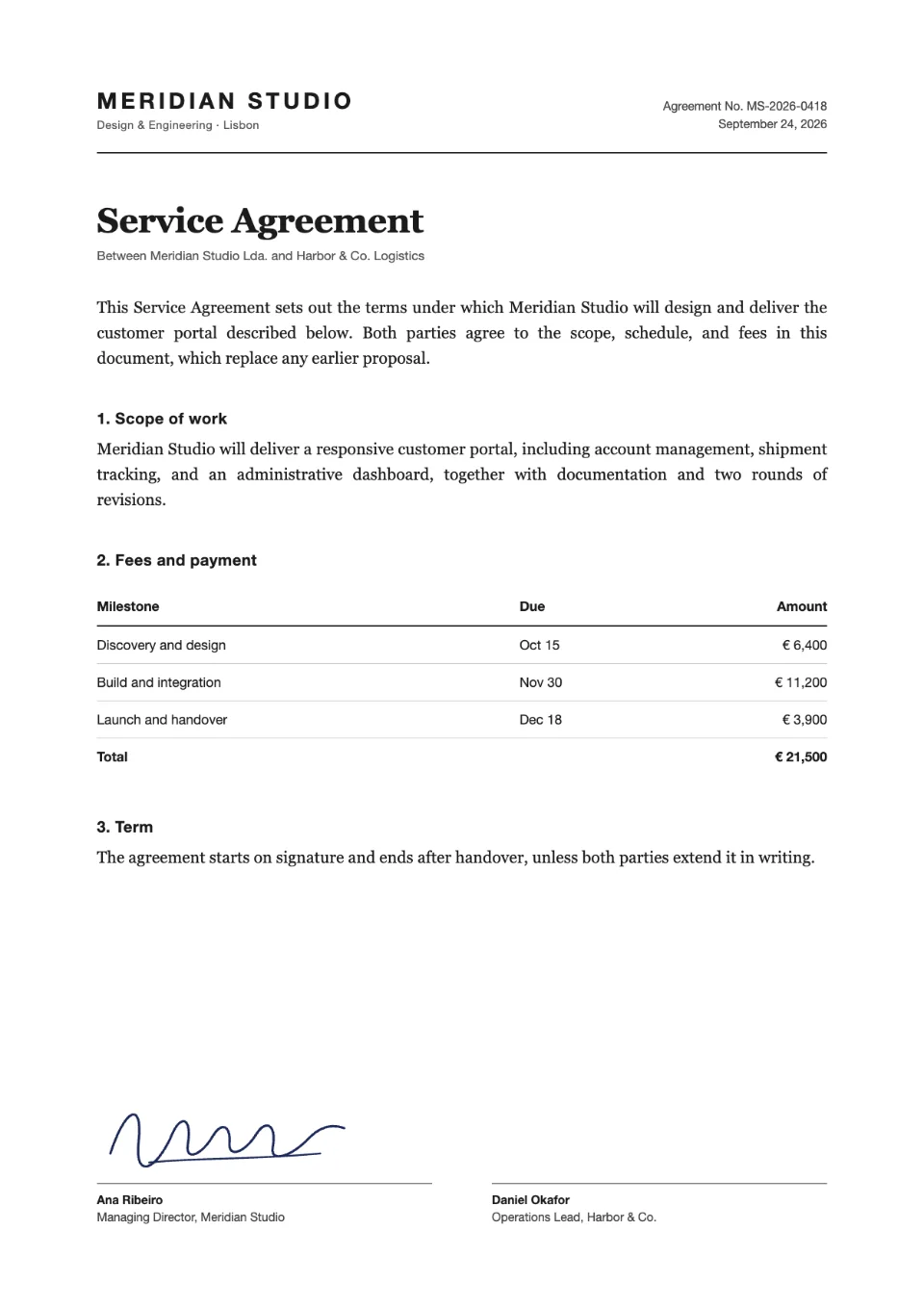
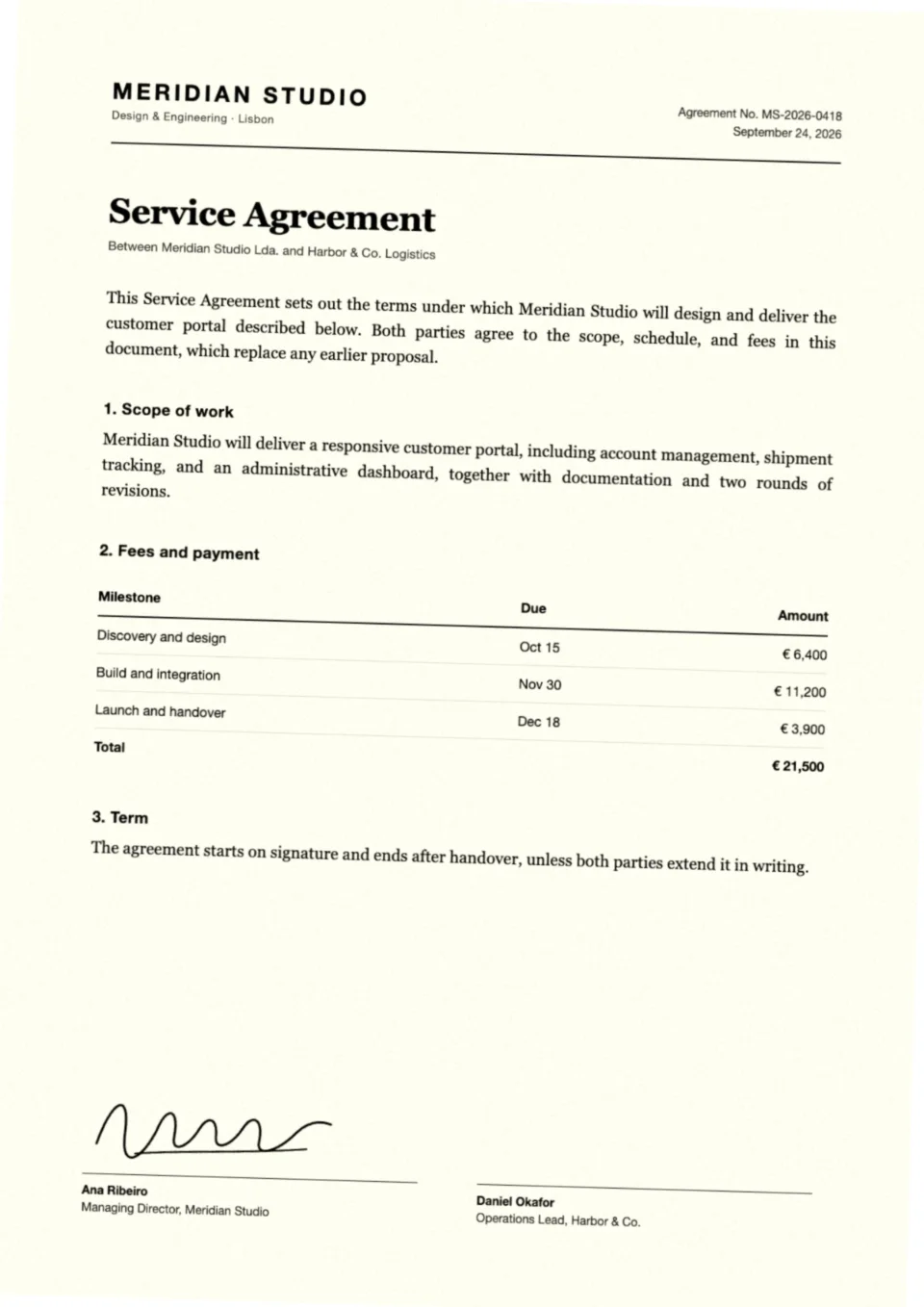 Before
After
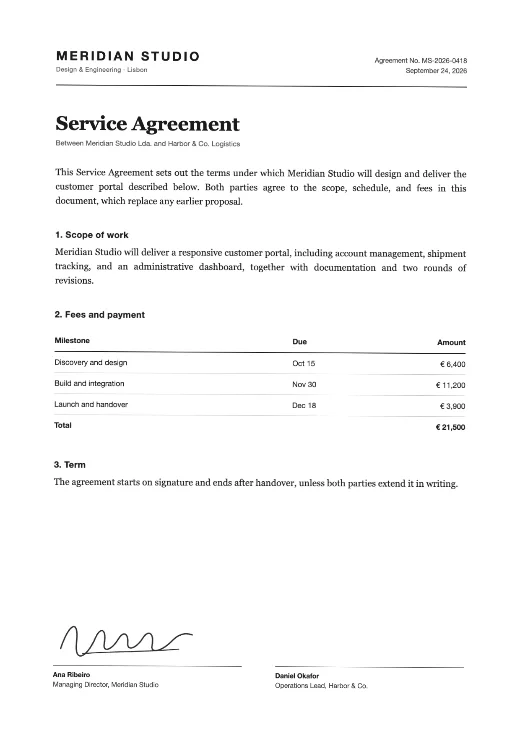
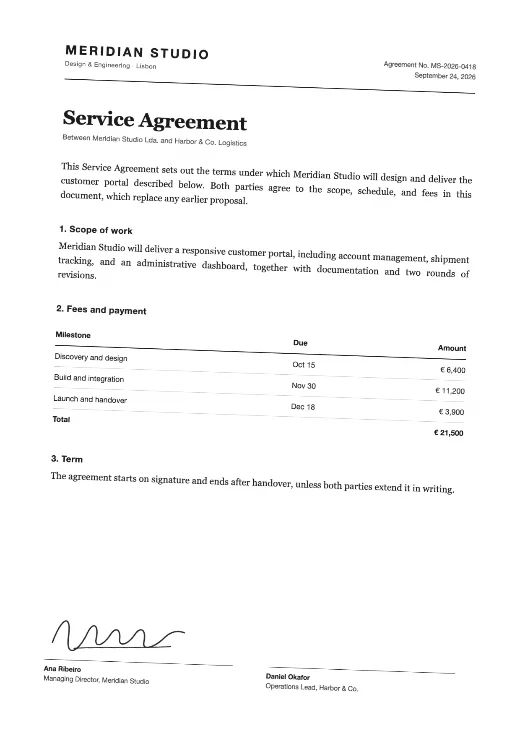
Before
After
Drag to compare
Start from a preset, then fine-tune rotation, noise, blur, contrast, brightness and paper tint.
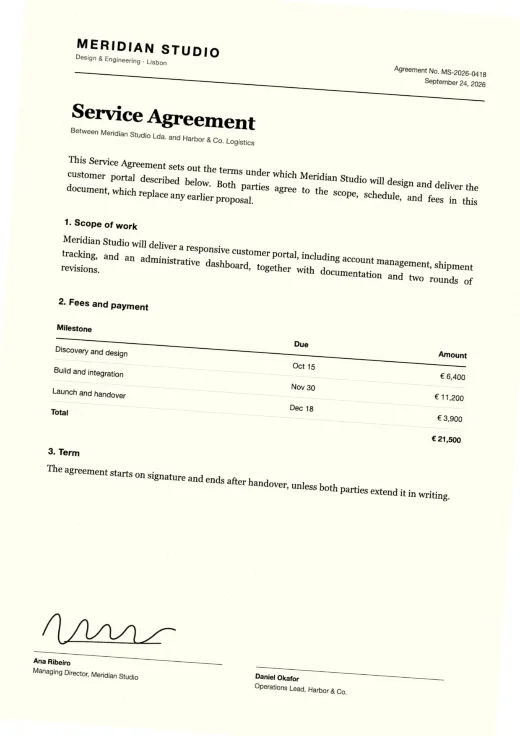
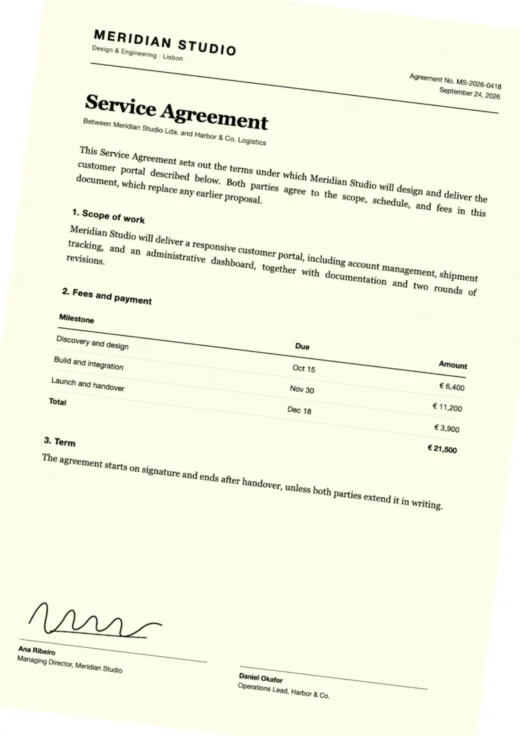
All processing happens in your browser. Your PDF never touches our servers. Perfect for sensitive contracts, legal documents, and IDs.
Works on any modern browser — desktop, tablet, or smartphone. iOS and Android included. No app download needed.
Available in English, Português, Español, 中文, Français, Deutsch, हिन्दी, and اردو. More languages coming soon.
Every paid plan unlocks PRO: batch scans, one combined PDF, color, 300 dpi and saved presets.
Drop a stack of documents. Each one gets the same look, then download them all as a ZIP.
Keep red stamps, blue ink and logos in color, or stay classic black and white.
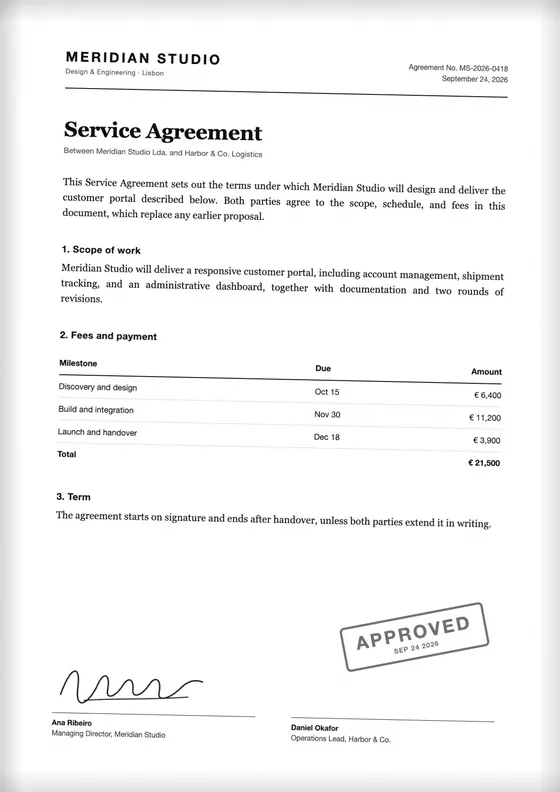
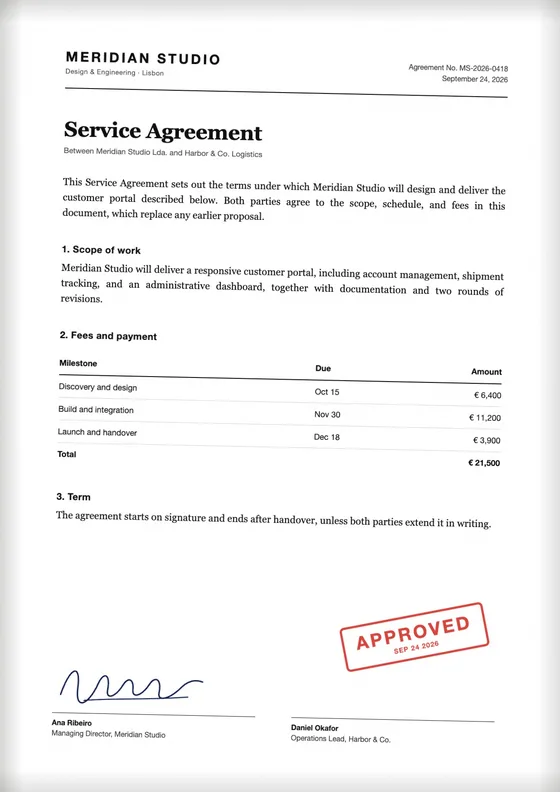
Turn several files into a single scanned PDF, counted as one export.
Sharper text for printing, signatures and official forms.
Save the look you use most and apply it to any batch in one tap.
The soft shadow a real scanner lid leaves along the page edges.
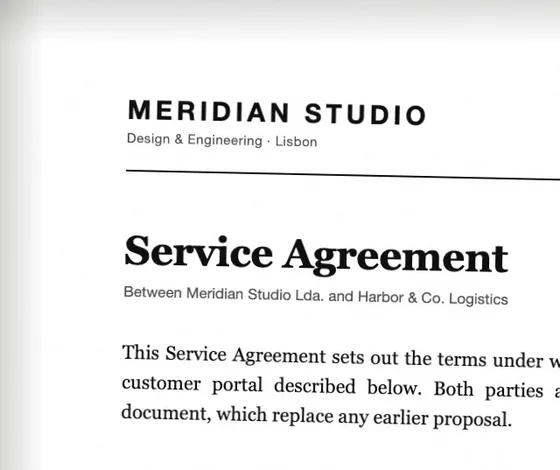
Purchases and exports stay in your account. Your files never leave your browser.
Preview your PDF for free. Pay only when you are ready to export. No subscriptions.
All plans are one-time purchases. Prices are shown in USD. Taxes may apply at checkout.
| Free | PROwith any pass or credits | |
|---|---|---|
| Scan one PDF with live preview | ||
| No watermark | ||
| Exports | 1 PDF per day | Unlimited with a pass, or 1 credit each |
| Batch of up to 10 files + ZIP | ||
| Combine files into one PDF | ||
| Color scans | ||
| Resolution | 150 dpi | Up to 300 dpi |
| Scanner edge shadow | ||
| Saved presets | ||
| Activity history |
Settings that look real, step-by-step methods and an honest comparison of the tools.
Online tool, print and scan, phone app, ImageMagick or GIMP, with the settings that look real.
Read guide How-toPDF scan effect: the settings that actually look realRecommended rotation, noise, blur and contrast for contracts, invoices, IDs and old paperwork.
Read guide ComparisonThe 7 best tools to make a PDF look scannedPDF2Scan, Look Scanned, 10015.io, i2PDF, ImageMagick and more: price, privacy and features.
Read guide