Start from the Old preset in PDF2Scan (4° rotation, 55% noise, 0.7 px blur, 70% contrast, 44% brightness, 18% paper tint) for an aged scan. For a photocopy, use Heavy and lower the paper tint. For a fax look, push contrast to 85–100% with grayscale and little blur. Always check that small text remains readable.
- Old scan = warm paper + more grain + slightly darker page.
- Photocopy = high contrast + heavy grain + gray, not yellow, paper.
- Fax = very high contrast, almost black and white, low detail.
- Rotation above 4° rarely helps; age comes from tone and texture.
- Keep an untouched original: these looks are hard to reverse.
Three looks, three recipes
| Look | Start from | Rotation | Noise | Blur | Contrast | Brightness | Paper tint |
|---|---|---|---|---|---|---|---|
| Old scan / archive | Old | 2–4° | 45–55% | 0.5–0.7 px | 65–70% | 42–46% | 15–22% |
| Photocopy | Heavy | 1–3° | 65–80% | 0.6–1 px | 80–85% | 40–45% | 0–8% |
| Fax | Heavy | 0.5–1.5° | 40–60% | 0.2–0.4 px | 90–100% | 45–50% | 0% |
| Yellowed letter | Old | 1–2° | 30–40% | 0.3 px | 60% | 46% | 22–28% |
Values match the PDF2Scan sliders. Add the scanner edge shadow (PRO) at 30–60% for old scans and photocopies.
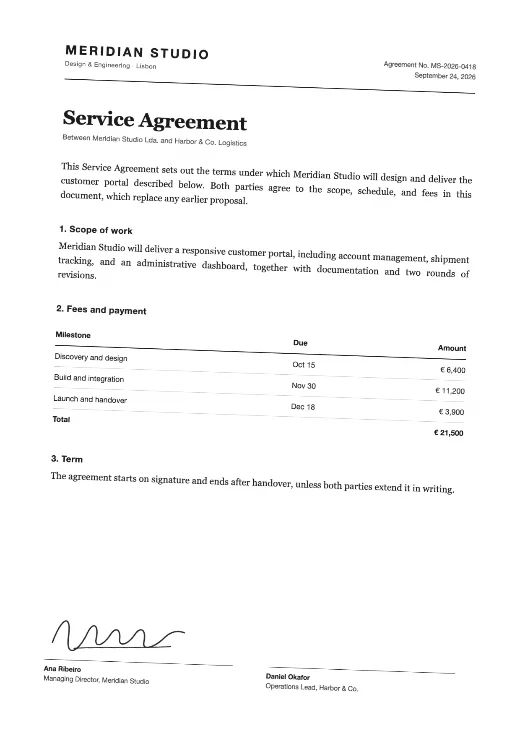
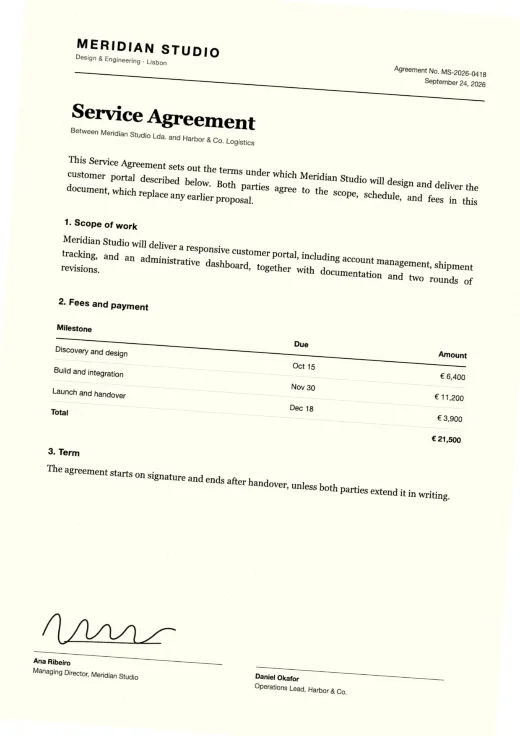
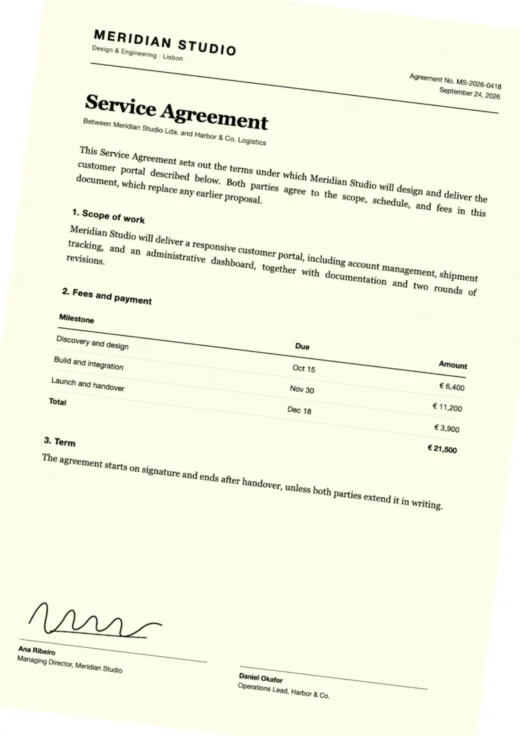
How to make a PDF look old
- Open the scan tool and load the PDF.
- Apply Old.
- Raise paper tint toward 20% for yellowing; lower brightness to 42–44% to darken the page slightly.
- Keep blur at or below 0.7 px and check the smallest text.
- Export as PDF, JPG or PNG.
Real old documents are rarely all equally aged. For a multi-page file, vary the look a little by exporting sections with slightly different settings, or keep it uniform if it should look like one scanning session.
How to make a PDF look photocopied
Photocopiers flatten midtones: grays become white or black, edges get rough and toner speckles appear. Use Heavy, keep paper tint low (photocopy paper is white or gray, not yellow), push contrast to 80–85% and noise to 65–80%. A slight edge shadow imitates the darker borders copiers often leave.
How to make a PDF look faxed
Fax machines send pages at low resolution in pure black and white. PDF2Scan has no dedicated 1-bit fax mode, but you can get close: grayscale, contrast at 90–100%, brightness around 48%, moderate noise and very little blur. Export at 150 dpi; a fax is not sharp.
Keep it honest
Aged and copied looks are popular for film and theater props, games, design mockups, museum and history projects, and for matching documents to an existing paper archive. They should not be used to make a document appear older or more official than it is.